
Create images with Z-Image Turbo
Choose your model, check the cost, and turn a description into an image.
Sign in to generate. For free text-to-image generation, select Z-Image Turbo. Other models and image-to-image use credits.
Browse image inspirationImage Generator
Sign in to use Z-Image Turbo for free.
Free: up to 10 tasks per day, one image at a time. The shared monthly free budget is US$10; when exhausted, free generation resumes next month (Taipei time).
View model information and licenseImage Preview
Your generated images will appear here.
Image inspiration
Find a visual direction for your next idea. Explore portraits, imaginative scenes and city light.


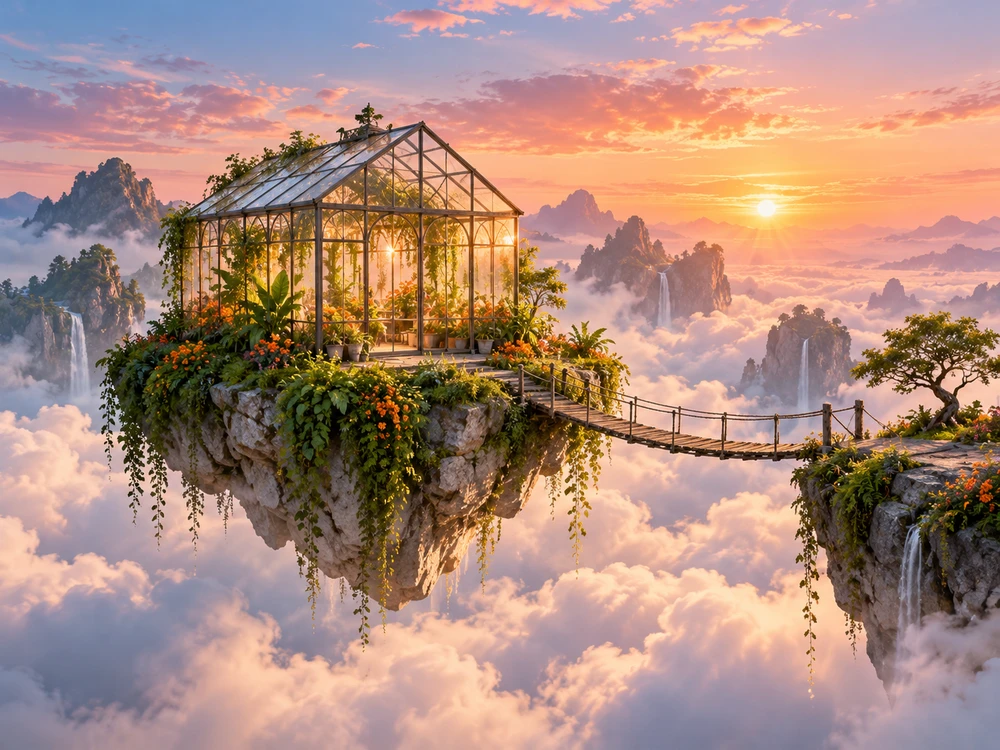

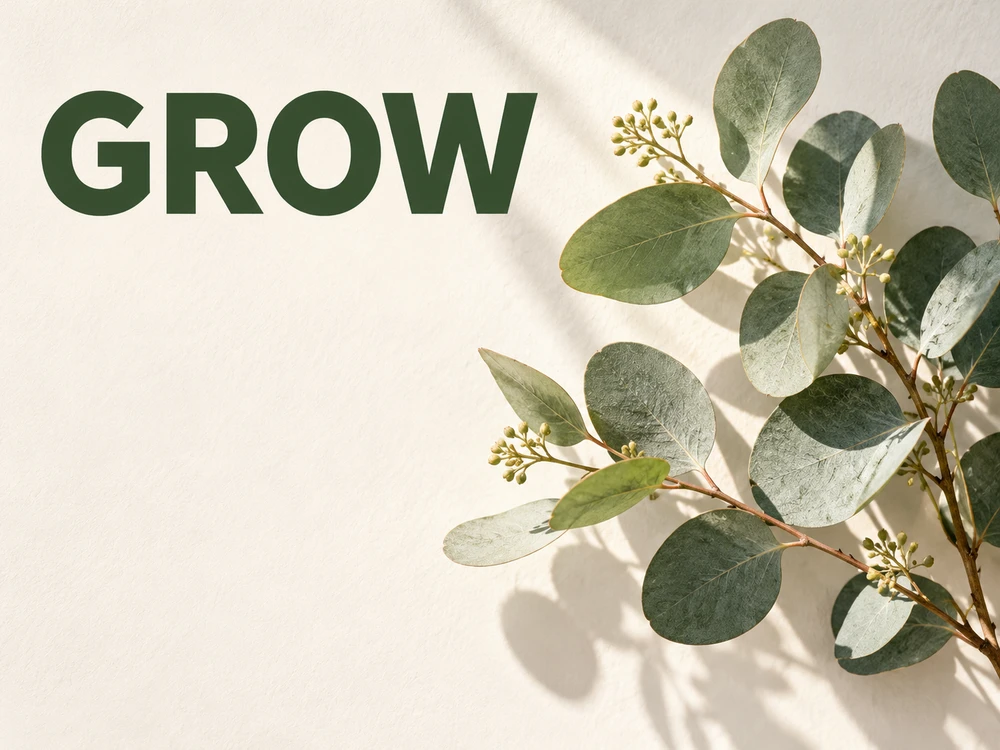

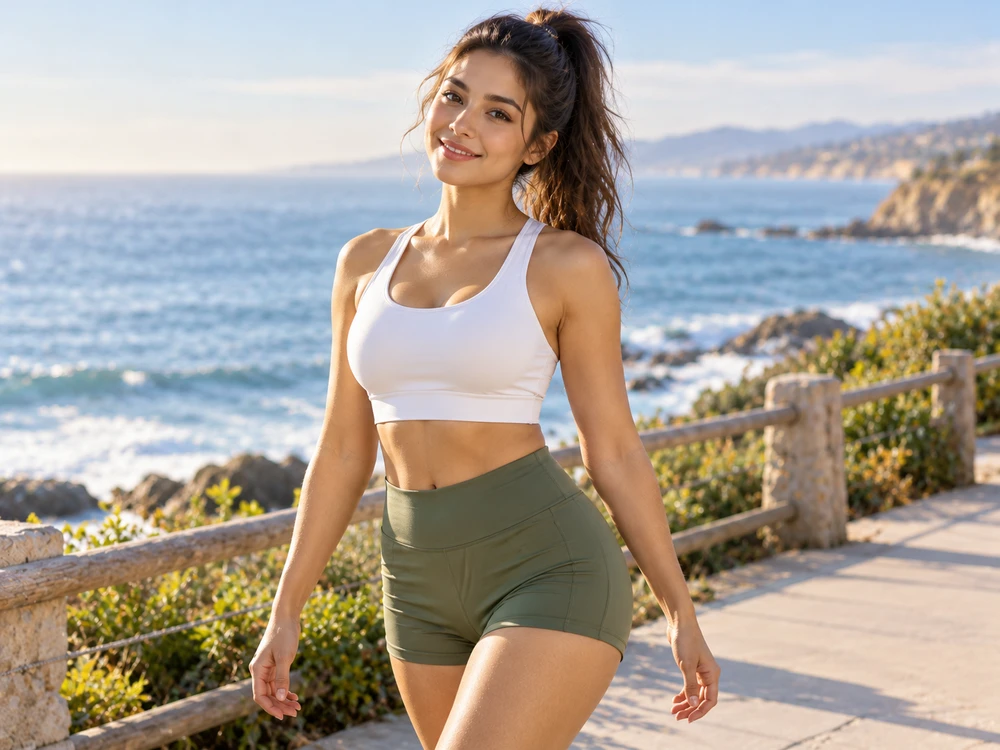

Images for visual inspiration. Results vary with your prompt, model and settings.
How to create an image
Choose your model, check the cost, and turn a description into an image.
Choose a mode and model
Sign in to generate. For free text-to-image generation, select Z-Image Turbo. Other models and image-to-image use credits.
Describe the result
Write a prompt with the subject, style, lighting and composition. Choose an aspect ratio; upload a reference image when using image-to-image.
Check the cost and generate
Review the cost shown beside the Generate button, then submit. Wait for the task status; processing time varies by model and demand.
Review and download
When your result is ready, use its download icon to save it. Change the prompt and submit a new task if you want another version.
Give the model a clear direction
Include the subject, setting, visual style and framing. A concrete description gives you a clearer starting point for the next attempt.
A ceramic coffee cup on a wooden table by a window, soft morning light, editorial photography, warm neutral colors, square composition.
Image generation questions
Practical details about free generation, reference images and results.
Do I need credits to use Z-Image Turbo?
Sign in and choose Z-Image Turbo in text-to-image mode to generate without spending credits. Other models and image-to-image require credits.
Can I use a reference image?
Yes. Switch to image-to-image, choose an available model and upload a reference image. This mode uses credits; check the cost before generating.
Where do I download the result?
Use the download icon on a completed image in the result area. You can also review task records in My image tasks after signing in.
What if a task is slow or fails?
Check the task status and any error message. Processing time varies. Review your prompt, account and credit balance before trying again; a new submission creates a new task.
Ready to create your image?
Sign in to generate. For free text-to-image generation, select Z-Image Turbo. Other models and image-to-image use credits.
Guides and troubleshooting
Learn the workflow, understand credits, and find help with reference images or downloads.
Generate and download your first image
Follow the steps from choosing a model to saving the finished image.
Free generation and credit costs
Check which mode is free, when credits apply, and where to review your balance.
Reference images and sign-in drafts
Prepare an image-to-image reference and understand what is kept when you sign in.
Task status and download troubleshooting
Check processing states, failed tasks, and download problems before retrying.